


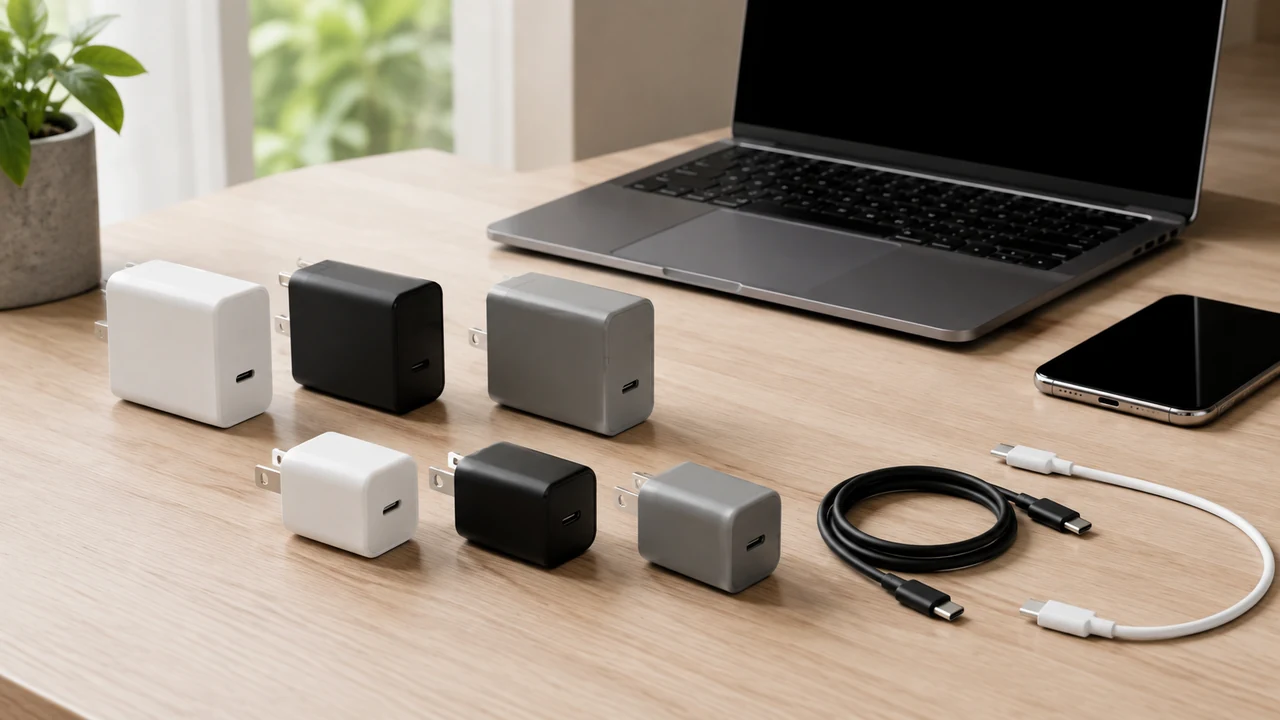
To choose a USB-C charger well, start with the devices you actually own rather than the biggest number printed on a package. A suitable charger must provide a charging method your device supports, enough usable power for the situation, the right number of ports, and a cable rated for the job. It should also come from a source you trust and carry safety information appropriate to where you live.
USB-C describes the connector shape, not a promise that every charger, cable, and device behaves identically. Two products with the same plug can differ in power, data capability, and supported charging modes. The safest reference is the current documentation for the exact device, followed by the charger’s specifications and the cable maker’s instructions. If those details are missing or contradictory, do not guess with valuable equipment.
Make a device list before comparing chargers
Write down the phone, tablet, laptop, headphones, handheld console, camera, battery pack, or other gear you expect one charger to serve. For each item, find the charging section of its official manual or support page. Record the connector, recommended input, compatible charging method, and any cable requirement. Look at the input specification for the device, not the output specification of an old power brick.
Then describe the real use case. A bedside charger serving one phone has a different job from a desk unit powering a laptop and two accessories. A travel charger may need compact dimensions and interchangeable plug arrangements, while a permanent desk charger may benefit from a longer wall cord. This simple inventory prevents paying for capacity or ports that never help you.
If you are preparing several devices for a trip or a move, pair this inventory with a low-stress device update routine. Knowing which devices remain supported and actively used makes it easier to retire questionable old adapters without accidentally discarding the only suitable charger for an essential device.
Understand power without turning it into a contest
Chargers and devices negotiate what the device can accept when both properly support the same charging method. A charger with a higher advertised maximum does not force that maximum into a compatible device. The device draws according to the supported negotiation. However, a high total printed on the box does not mean every port delivers that amount, and it does not prove your device supports the charger’s fastest mode.
Think in terms of usable output. Check the voltage-and-current combinations listed for the relevant port and compare them with official device guidance. For a laptop, verify that the selected port can sustain the recommended input on its own. For a phone or small accessory, extra capacity may add no practical benefit. If the specifications use unfamiliar charging-mode names, confirm compatibility through both manufacturers rather than assuming similar wording means the same thing.
Charging below a device’s preferred level may be acceptable for light use but can be slow, stall while the device is working hard, or fail to increase the battery. Some laptops warn about a low-power source. Treat that warning as information: reduce workload or use the officially recommended equipment instead of repeatedly reconnecting components.
Compare the whole charging setup
| Part to check | Question to answer | Practical evidence |
|---|---|---|
| Device | What input and charging methods are supported? | Current official manual or support guidance |
| Charger | What can the chosen port deliver alone and while sharing? | Port-specific output chart and instructions |
| Cable | Is it rated and wired for the required use? | Clear maker specification and intact construction |
| Outlet | Is the connection secure and appropriate for the location? | No looseness, damage, scorching, or improvised adapters |
| Seller | Can the product and responsible maker be identified? | Traceable listing, support route, markings, and return policy |
The weakest or least compatible part can limit the system. A capable charger cannot compensate for a cable that is intended only for modest power, and a suitable cable cannot make a device accept a mode it does not support. A travel plug adapter may change the physical plug without converting electricity; consult the charger input label and official travel guidance before using it in another electrical system.
Read multiport claims carefully
A multiport charger can replace several bricks, but power allocation matters. Product documentation should explain the maximum total output, each port’s possible output, and what changes when two or more ports are occupied. Some chargers redistribute power when a device is connected or removed. That behavior can cause a momentary charging interruption, so avoid depending on an unexplained shared setup for equipment that must remain continuously powered.
Sketch likely combinations: laptop alone, laptop plus phone, or phone plus accessories overnight. Verify that the port used by the most demanding device still meets its needs in each combination. Port labels and product diagrams should make this understandable. If a listing only promotes a combined headline number and never states individual or shared-port behavior, choose a better-documented option.
More ports also create more cable clutter. Keep frequently used cables identifiable and remove abandoned or damaged ones during a monthly digital declutter. Do not bundle tight coils around a warm charger or route cables where chairs, doors, pets, or feet can damage them.
Choose a cable that matches the job
USB-C cables that look alike may support different power and data capabilities. Use the cable supplied or recommended for the device when practical. For replacements, check the required power rating, connector types at both ends, length, and whether you also need data or video. A charging cable does not automatically support high-speed transfers or display output.
Buy cables with clear specifications from a responsible maker or seller. Avoid vague products that omit ratings or mix incompatible claims. Where an applicable recognized certification program is relevant, verify the claim through the program’s official resources rather than trusting decorative marks in a marketplace image. Counterfeit or misleading markings are a reason to return the item, not to test its limits.
Length affects convenience and can affect performance. Choose enough reach without leaving loops across walkways or pinching the cable behind furniture. Inspect the connectors and jacket periodically. Retire a cable if conductors are exposed, the plug is bent, the shell separates, charging cuts in and out, or the connector no longer seats securely. Do not tape over electrical damage and continue using it.
Evaluate construction, safety, and seller accountability
A charger connects valuable electronics to building power, so provenance matters. Favor a manufacturer that publishes complete electrical specifications, operating limits, warranty information, and a support contact. Purchase through a channel where the seller and return route are clear. An unusually cheap, anonymous product with copied photographs and no usable documentation is not a sensible experiment.
Look for safety certification applicable to your country and product category, then check how the certifying organization says claims can be verified. Regulatory and certification details can change, so rely on current official guidance rather than a remembered logo list. Certification is one layer of risk reduction, not permission to ignore damage, recalls, outlet problems, or the instructions.
Check physical fit. A wall charger should sit securely without exposing metal or falling under cable weight. Large units should not block a needed switch, crowd other plugs, or strain a worn receptacle. If an outlet is loose, damaged, hot, buzzing, sparking, or discolored, stop using it and seek qualified help. Do not attempt an electrical repair based on a charger-shopping guide.
Plan for heat and normal placement
Charging equipment can become warm, especially under sustained load, but you should follow the maker’s stated operating and ventilation guidance. Place the charger on a stable, dry, open surface. Do not cover it with bedding, paper, clothing, or a bag while operating. Keep liquids away and avoid locations where a cable can pull the charger down.
Unusual odor, smoke, crackling, visible deformation, repeated shutdowns, or heat that causes concern calls for immediate caution. If safe, disconnect power without touching damaged or dangerously hot components, keep people away, and follow local emergency guidance when there is fire or imminent danger. Preserve the product details for support or reporting; do not reopen a sealed charger to investigate.
Test a new setup methodically
Before first use, compare the received model and specifications with the order and inspect the housing, pins, and cable. Do not use an item that arrived cracked, bent, wet, swollen, or otherwise compromised. Connect one known-compatible device using a suitable cable, place the charger where you can observe it, and confirm that charging remains stable.
Check the device’s normal charging indicator and any warnings. You do not need to drain a battery or run stressful benchmarks. After a reasonable observation period, disconnect safely and inspect for looseness, odor, discoloration, or damage. Then test the multi-device combinations you expect, one at a time, using the documented port arrangement.
If charging fails, change one variable at a time: outlet, cable, charger port, or device. Use known-good compatible components, not a random collection of unknown accessories. Clean a charging port only with the device powered down and according to current official instructions; the guide to cleaning electronics safely explains a cautious process. Never insert metal tools or liquids into a port.
Avoid common buying mistakes
Do not shop by connector alone. Do not assume the largest advertised wattage reaches every port. Do not reuse an unidentified cable for a demanding laptop merely because charging begins. Do not interpret rapid-charging language as universal compatibility, and do not depend on a tiny icon or marketplace title when a full technical specification is absent.
Also avoid buying for hypothetical devices so far in the future that their requirements are unknowable. A modest amount of headroom and an extra useful port can be practical, but standards, device needs, and your habits change. Buy for today’s equipment and credible near-term needs, with documentation good enough to verify the match.
Frequently asked questions
Can one USB-C charger serve a phone and a laptop?
Often, if the charger, relevant port, cable, and both devices support compatible charging methods and enough power is available. Verify each device and the charger’s shared-port behavior in current official documentation.
Will a higher-power charger damage a smaller device?
Properly compatible equipment negotiates supported power rather than blindly delivering the charger’s maximum. Compatibility and product quality still matter, so follow device guidance and avoid undocumented chargers or cables.
Why does charging slow down when I connect another device?
A multiport charger may divide or reassign its total capacity among occupied ports. Consult its output chart for the exact port combination and move the priority device to the documented higher-capability port if appropriate.
Can I use any USB-C cable?
No. Cables differ in supported power, data, and video. Match the cable’s documented rating and capabilities to the device and charger, and replace it if damaged or unreliable.
Should I keep an old charger as a spare?
Keep it only if its identity, compatibility, condition, and safe use remain clear. Label its intended device without covering specifications. Recycle damaged or unsuitable electronics through an appropriate local program rather than placing them back in a drawer.
Final charger checklist
- List the exact devices and charging situations the charger must support.
- Check each device’s current official charging guidance.
- Match supported modes and usable per-port output, not just connector shape.
- Review multiport power distribution for the combinations you will use.
- Select documented cables with suitable power and any needed data capability.
- Confirm the maker, seller, support route, and applicable safety markings.
- Inspect the charger, cable, outlet, and fit before use.
- Test one device and one variable at a time.
- Stop using damaged, unstable, discolored, or concerning equipment.
The right choice is the charger whose complete system you can explain: device requirement, port output, cable capability, physical placement, and recovery if something goes wrong. That disciplined match is more useful than chasing the largest number on the smallest box.