Skip to content
Rocket New Hub
  • Digital Organization
  • Everyday Tech
  • Privacy & Security
  • About Us
  • Editorial Policy
  • Contact Us

Category: Everyday Tech

rocketnewhub-gam:3870ef33f130328e1aaddbc367be5a10fbde21927004b0dd785a9ef7972df0b4:category:everyday-tech

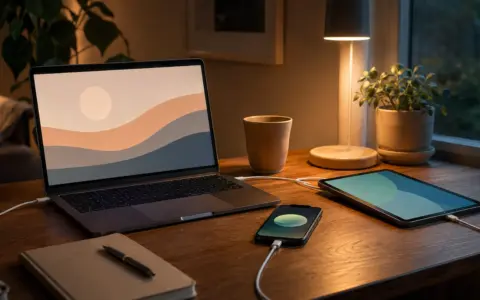
Laptop and smartphone prepared for updates on an organized desk

How to Build a Low-Stress Device Update Routine

Use a calm device update routine with backups, trusted update channels, deliberate timing, verification, and a recovery path.


Person reviewing storage categories on a laptop beside a smartphone

What to Do When Your Phone or Laptop Is Running Out of Storage

Free storage safely by finding what is large, protecting important files, and making reversible changes before deleting anything valuable.

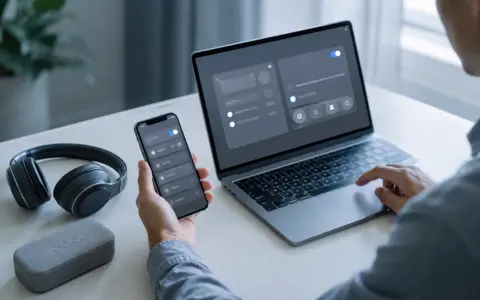
Person troubleshooting wireless headphones beside a phone and laptop on a home desk

How to Fix Common Bluetooth Problems Before Replacing a Device

A careful Bluetooth troubleshooting sequence for pairing failures, dropouts, poor audio, and devices that connect to the wrong host.

Person on a video call at a tidy desk with a raised webcam and soft window light

How to Improve Webcam, Microphone, and Lighting Quality for Video Calls

Improve video calls with a repeatable setup for clearer video, cleaner audio, better lighting, and fewer connection problems.

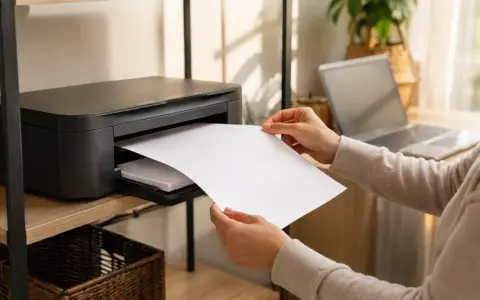
Compact home printer on an organized shelf beside a laptop

A Practical Home Printer Setup That Reduces Everyday Frustration

Set up a home printer with sensible placement, reliable connections, useful defaults, and a low-stress troubleshooting routine.

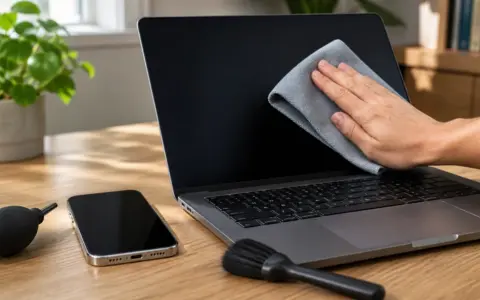
Hand wiping a laptop screen with a microfiber cloth beside a phone, soft brush, and air blower

How to Clean Screens, Keyboards, and Charging Ports Safely

A careful, practical routine for cleaning screens, keyboards, and charging ports without causing avoidable damage.

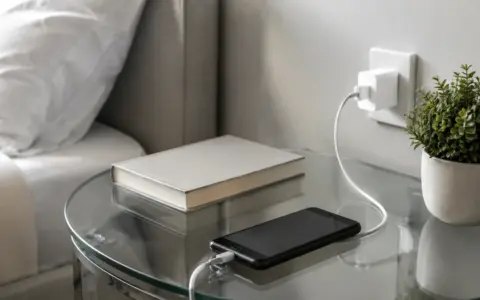
Phone with its screen off connected to a charging cable on a bedside table

How to Make Your Phone Battery Last Longer Without Obsessing Over It

Make your phone battery last longer with practical settings, charging habits, app checks, and calm troubleshooting that fits normal life.

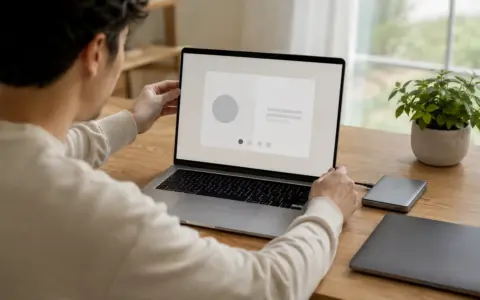
Person holding a new laptop with a generic setup screen beside an older computer

How to Set Up a New Laptop Without Bringing Old Clutter With You

Set up a new laptop cleanly with a careful plan for accounts, files, apps, security, backups, testing, and eventual old-device cleanup.

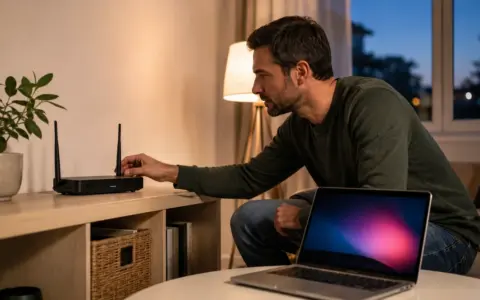
Person checking a home Wi-Fi router beside a laptop in a bright living room

A Step-by-Step Way to Troubleshoot Slow Wi-Fi at Home

Use a step-by-step process to isolate slow Wi-Fi problems across devices, rooms, router settings, and the internet connection.

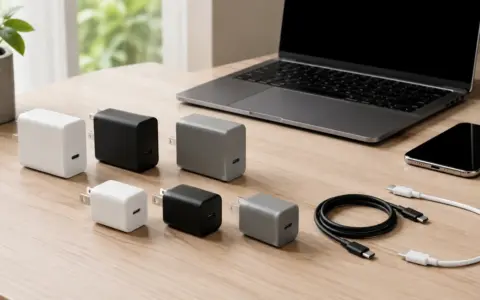
USB-C wall chargers and cables arranged beside a laptop and phone

How to Choose the Right USB-C Charger for Your Devices

Choose a USB-C charger confidently by matching device needs, ports, cables, safety markings, and the way you charge at home or away.

Rocket New Hub

  • Privacy Policy
  • Cookie Policy
  • Terms of Use
  • Editorial Policy
  • Disclaimer
  • Contact Us

© 2026 Rocket New Hub